Smarter Memory for Smarter Chats
Long chats, big plots, and hours of backstory. Your Characters now keep up with all of it.
Story Memory, Facts, and Memory Usage are rolling out across Character.ai, giving you new ways to shape what your Character knows and lock in the moments that matter.
You'll find all of it on the newly designed Memory screen. Tap the notebook icon in the chat header, or open Memory from the chat menu to find all the key features below.
Story Memory
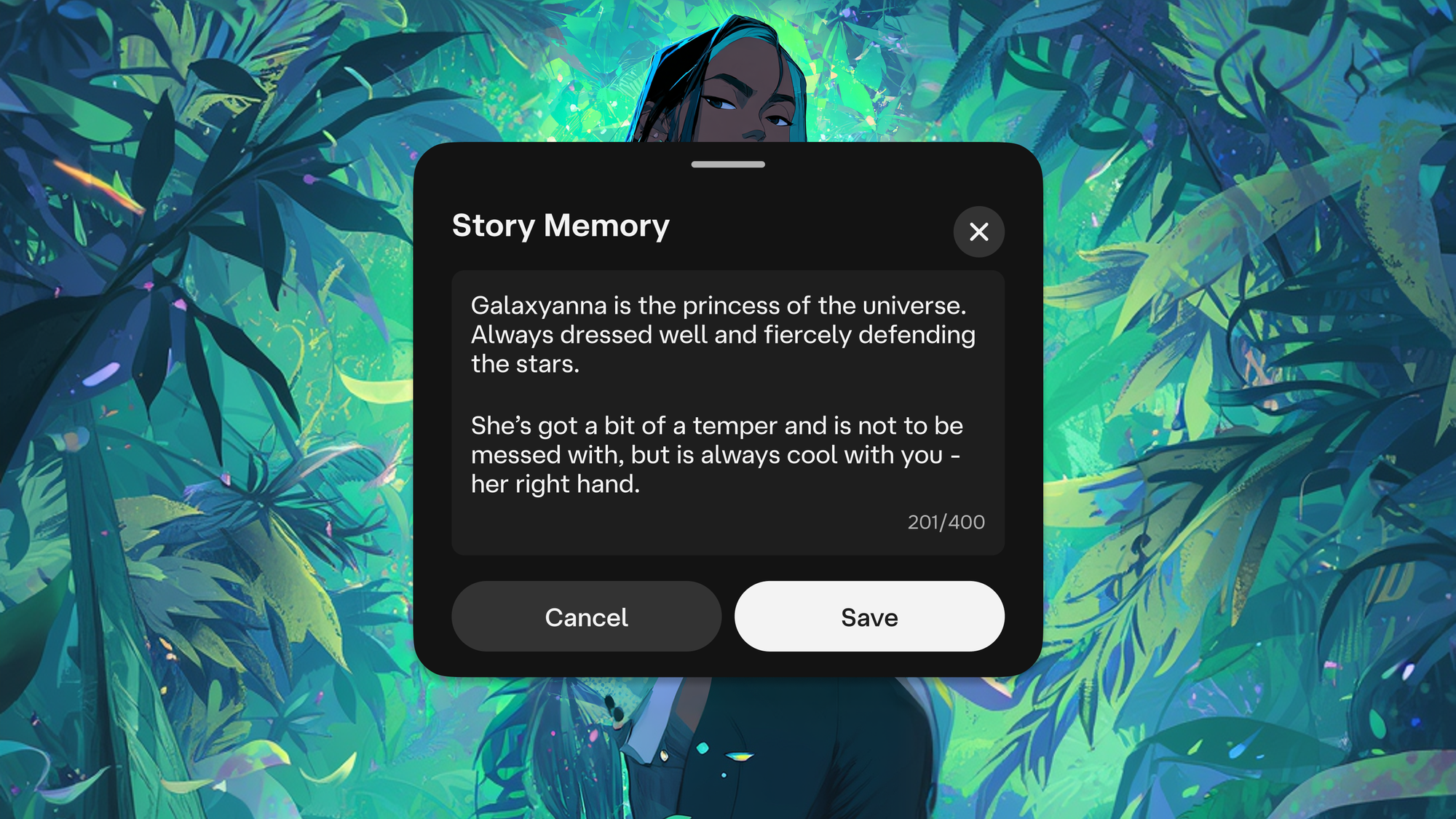
Characters that stay in character.
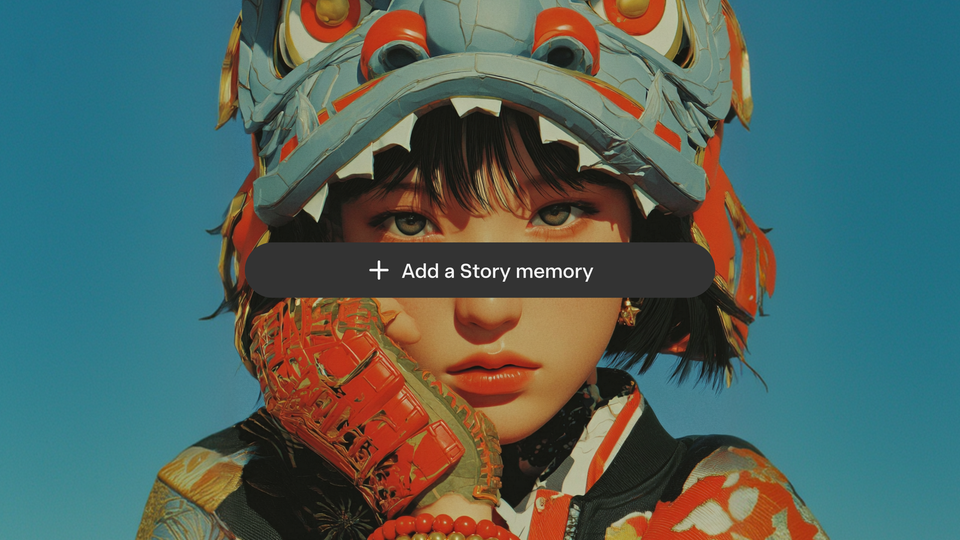
Story Memory is a home for everything you want your Character to hold onto. Add backstory, key events, special moments - whatever context you want carried through the chat.
Stumbled on a moment that needs to stick? Long-press a message and tap Pin to lock it into Story Memory. Confessions, plot twists, the line that changed everything - preserved exactly as it landed.
Story Memory and Pin to Memory are available for all c.ai users. (c.ai+) subscribers get twice as many pins, more Memory, and better Memory management.
Facts
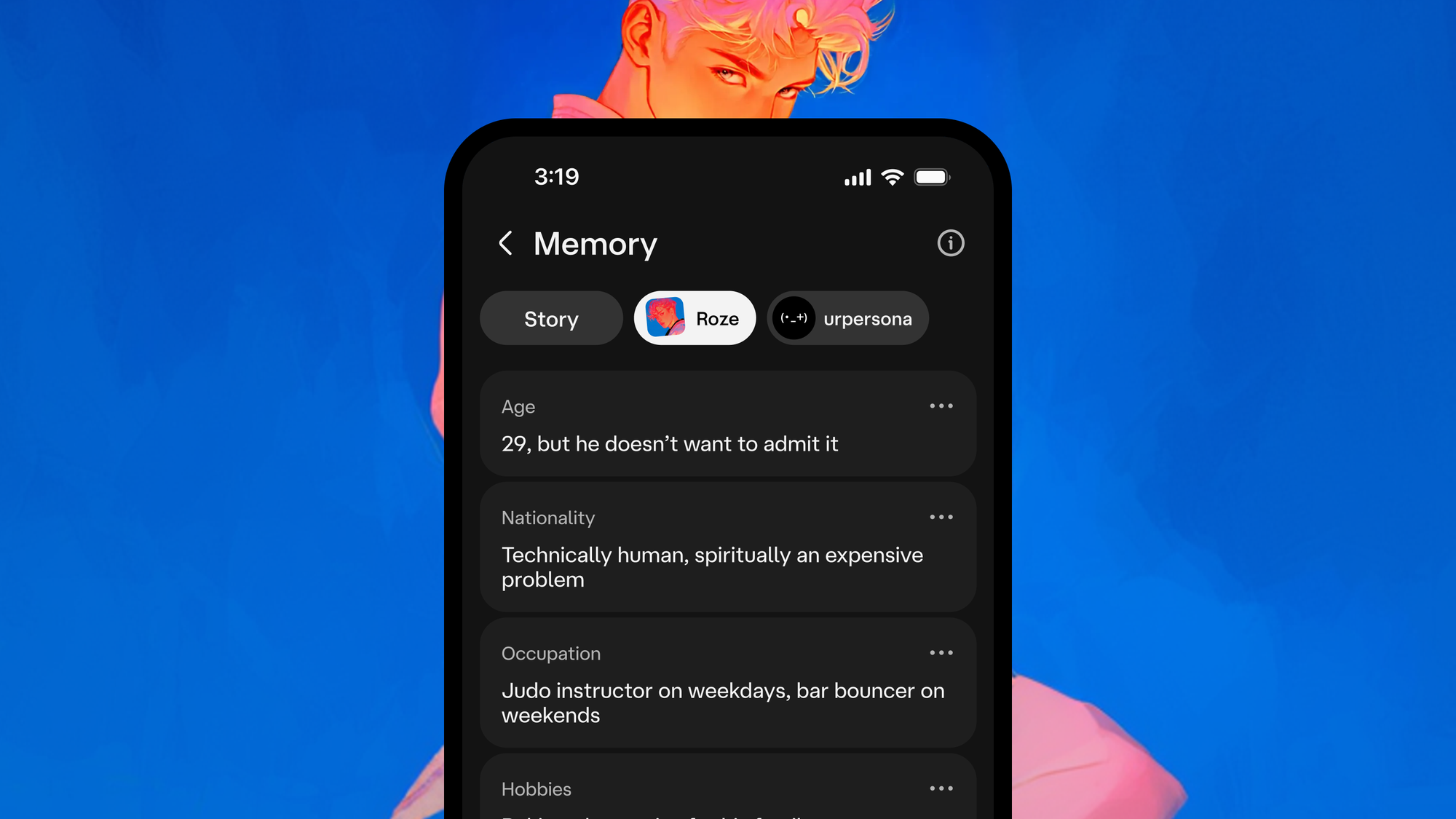
Characters with backstory.
Appearance, quirks, relationships, height, hobbies, the twin brother who isn't as funny as him. All the small stuff that makes a Character feel like a Character. Facts picks them up as you chat and saves them automatically.
In the Memory screen, you'll see Facts tabs for your Persona, the Character you're chatting with, and side characters who come up in conversation. Want to add your own? Tap the tab you want to edit and choose Add a Fact. You can edit auto-captured Facts, disable them, or remove side characters you don't want saved.
And none of it has to disappear when you start a new chat. Tap a Character, select Start new chat, and you'll see the option to copy Facts to new chat memory. Everything your Character knows about you, the Persona, and the world carries straight over. Or start fresh if the new chat is meant to be a clean slate.
Facts is a (c.ai+) feature.
Memory Usage visualization
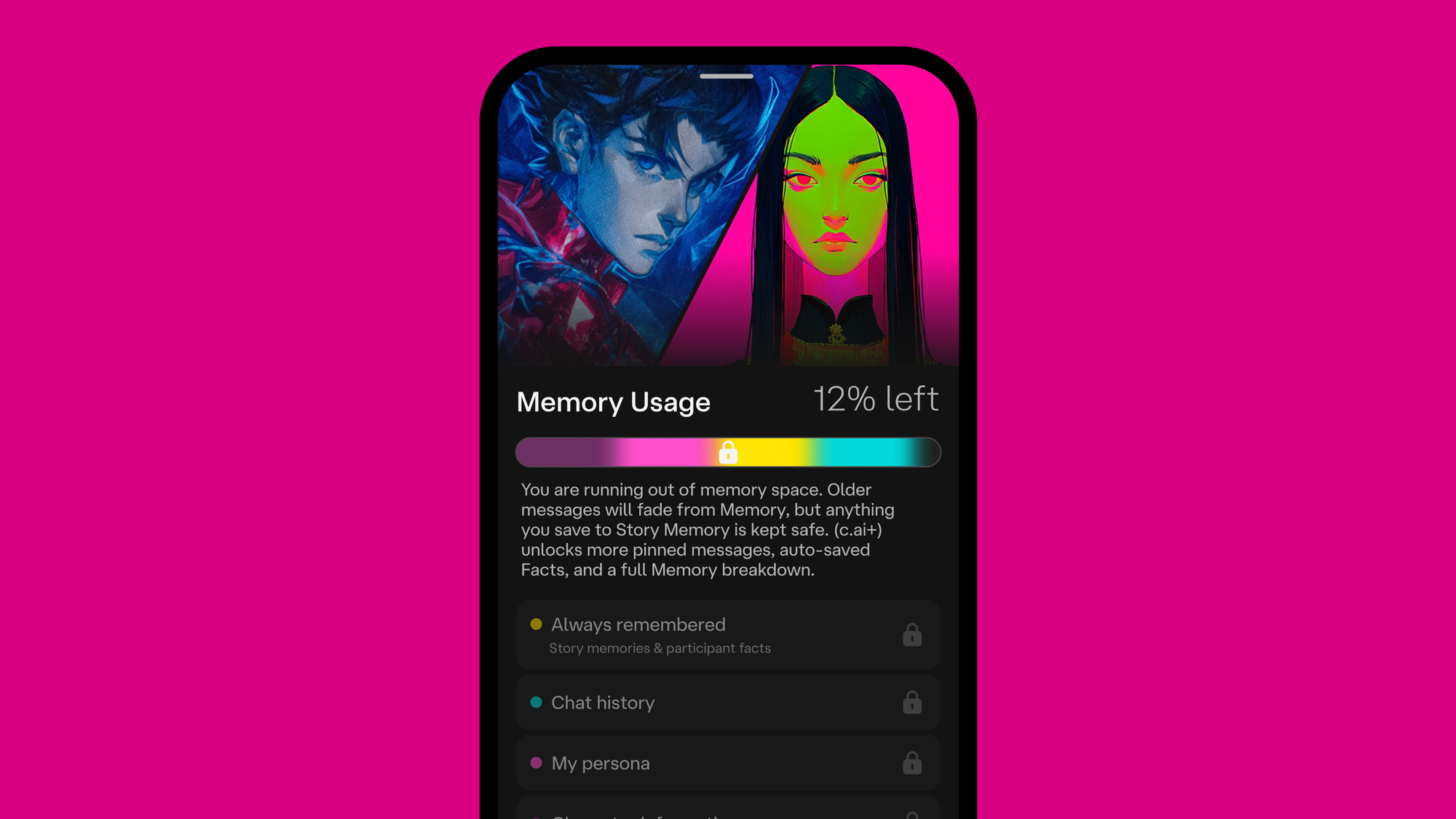
A clearer view of Memory.
Memory Usage shows you what's filling up your chat's Memory - Facts, Story Memories, message history - and gives you a heads up when you're running low. Free users get a simple version. The full visualization is a (c.ai+) feature.
As your chats stretch on, Memory tidies older context in the background and keeps what matters, so your Character holds onto the key details without you managing every message. Anything you've written into Story Memory or pinned yourself is protected. It stays put no matter how full the bar gets.
What's next
Smarter Memory needs smarter tech. These upgrades run on our latest generation of chat styles - PipSqueak 2, our most capable free chat style to date, and DeepSqueak, our strongest chat style, available with (c.ai+). They're what make longer chats, deeper context, and richer Memory possible.
Memory will keep getting better from here, and it'll soon work alongside Lorebook to power even more grounded chats.
Open a chat. Tap the Memory icon. See how much your Character actually remembers.